The operator console
The FerroPIX Console is the data steward’s tool: the review queue, search,
the patient record, the registry of sources and identifier domains, the
configuration and the audit trail. It is its own program, ferropix-console,
a client of the FerroPIX server that keeps no patient data of its own. It is
drawn with FerroUI, the component library every FerroHEALTH console shares,
in the FerroPIX brand (=0.6.6).
The console reads the FerroPIX server’s operator API, whose documents it compiles against, once per page before it draws it, with your own access token. A page never shows a row the server did not send: when the server refused the connection, did not answer in time or refused the console, the page says so in place, with the title and the detail of the server’s problem, and one refused part never blanks a page.
The console’s server draws every page whole, so a link, a search, a filter or a reveal loads one complete page the server drew with what it read. Small script modules of FerroUI add the keyboard, the side panels and the session warning on top; every page works without them, each action being a plain link or form post.
Searching from the top bar
As you type in the top bar’s field, its panel offers the console’s pages, the identifier domains and your preferences whose names hold the words. It never offers a person: a patient search runs only when you press Enter or choose the panel’s last row, Search patients for “…”, and every patient search is a posted, audited query. The words travel in the request’s body, never in an address.
Keyboard shortcuts
? opens the list of shortcuts on every screen, and so does Keyboard
shortcuts in your menu. / puts the focus in the search, j and k (or
the arrow keys) walk a list and Enter opens the row, and 1 to 4 open the
patient record’s Identifiers, Records, History and Pseudonyms tabs. In the
review queue o or d opens the focused pair in its side panel, to look at
it or defer it. On a pair, l links (or asks first when the link merges),
n decides Not a match, d defers, r puts the focus in the reason, and
[ and ] lead to the previous and the next pair. Shortcuts never act
while you type in a field, and a phone shows none.
The pages
The steward’s guide walks the review work in the order you do it.
| Page | What it shows |
|---|---|
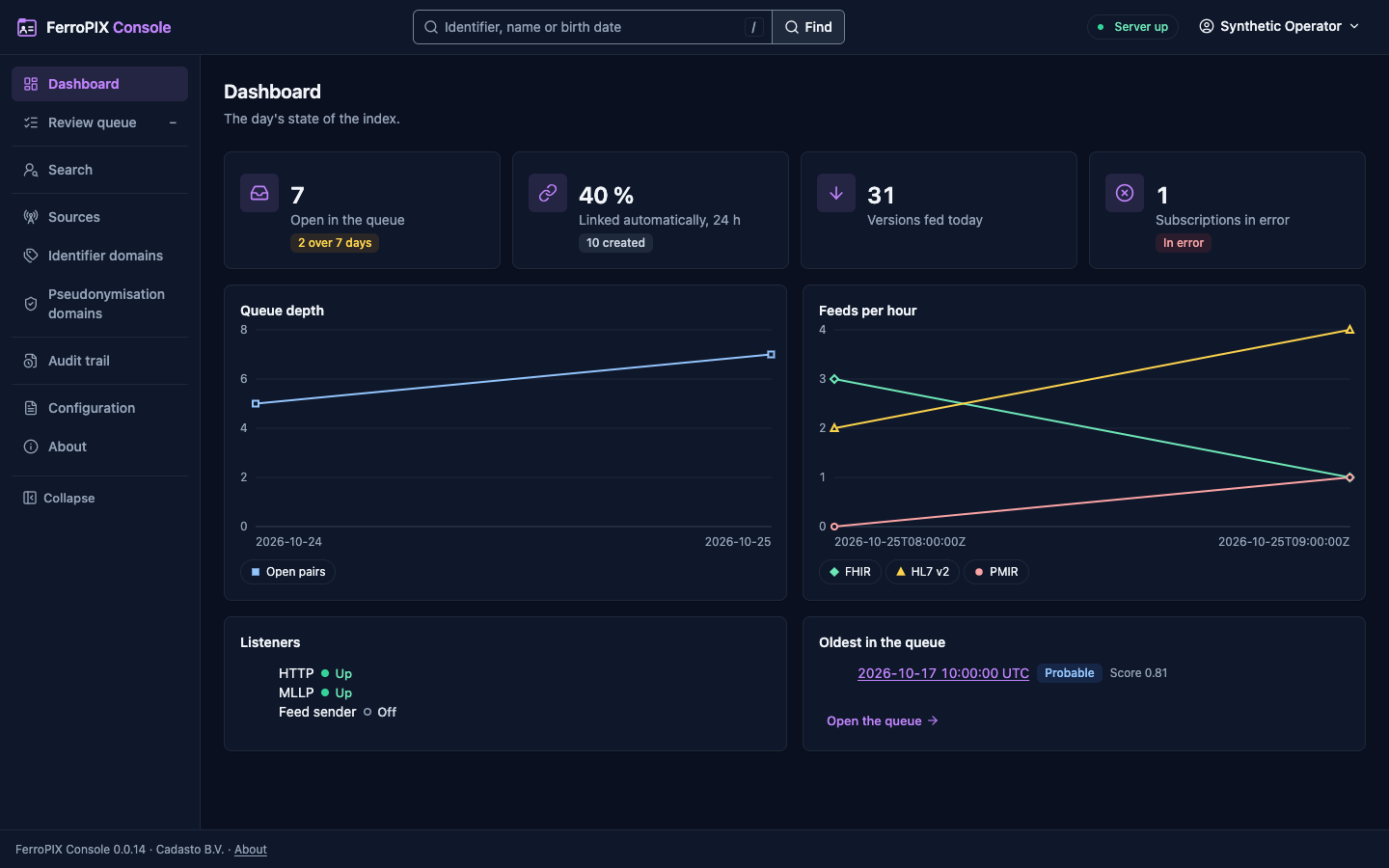
Dashboard, / | The open queue with the pairs waiting more than seven days, the share of records linked automatically over 24 hours, the versions fed today and the subscriptions in error; the queue’s depth and the feeds per hour by channel as charts, each with its figures table; the HTTP listener, the MLLP listener from its hl7v2_listener indicator and the feed sender from the outbox indicator (Off when the indicator is absent); the oldest pairs in the queue. |
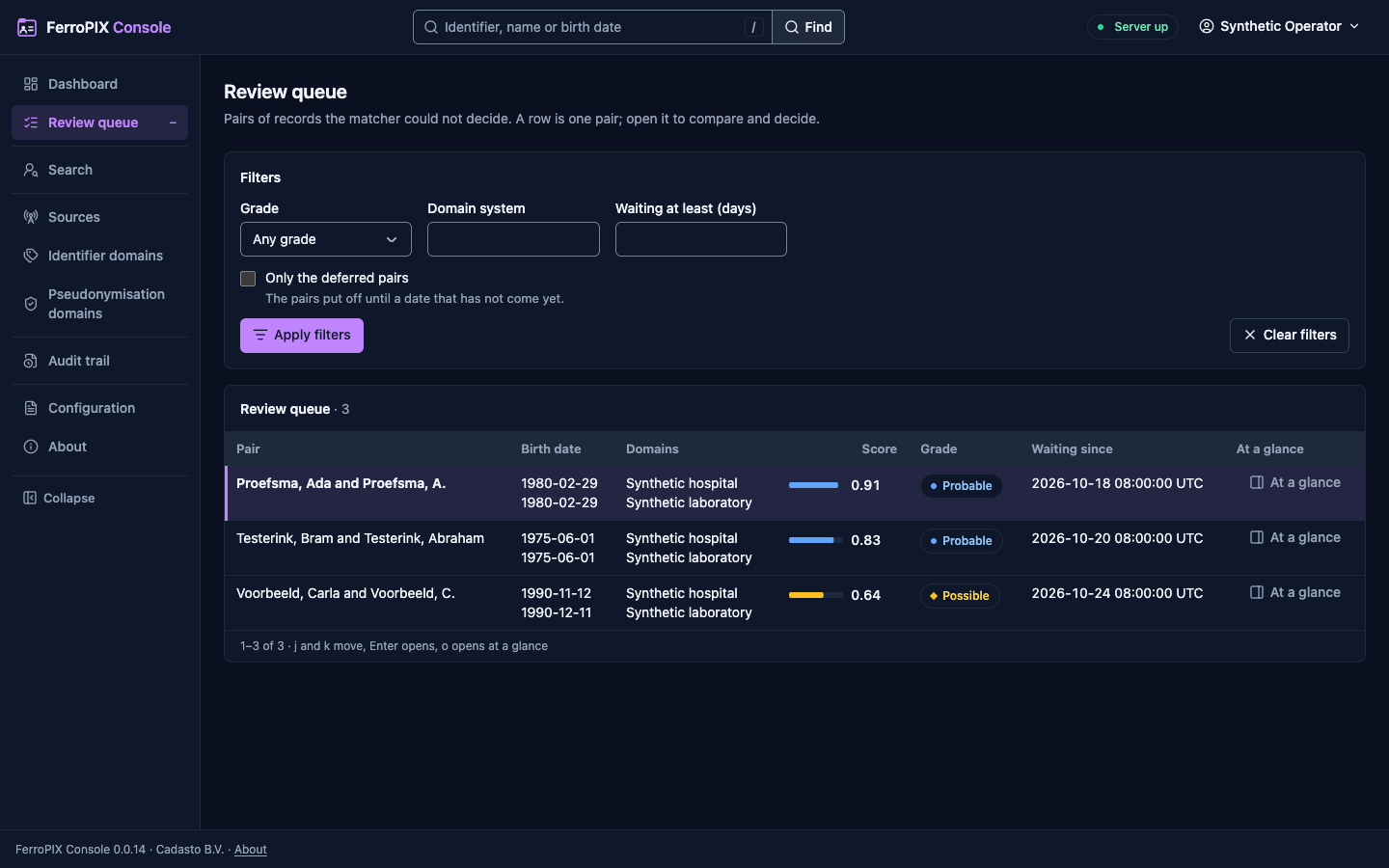
Review queue, /queue | The pairs the scorer found worth a look, the grade first, then the score, then the longest wait: both leading names, their birth dates and domains, the score with its bar, the grade and the time queued. j and k move the focused row and Enter opens the pair; At a glance opens it in a side panel, with Open to decide and Defer (a date and your reason). The filters (grade, domain system, days waiting, the deferred pairs) and the paging are posted, so none of them reaches an address. |
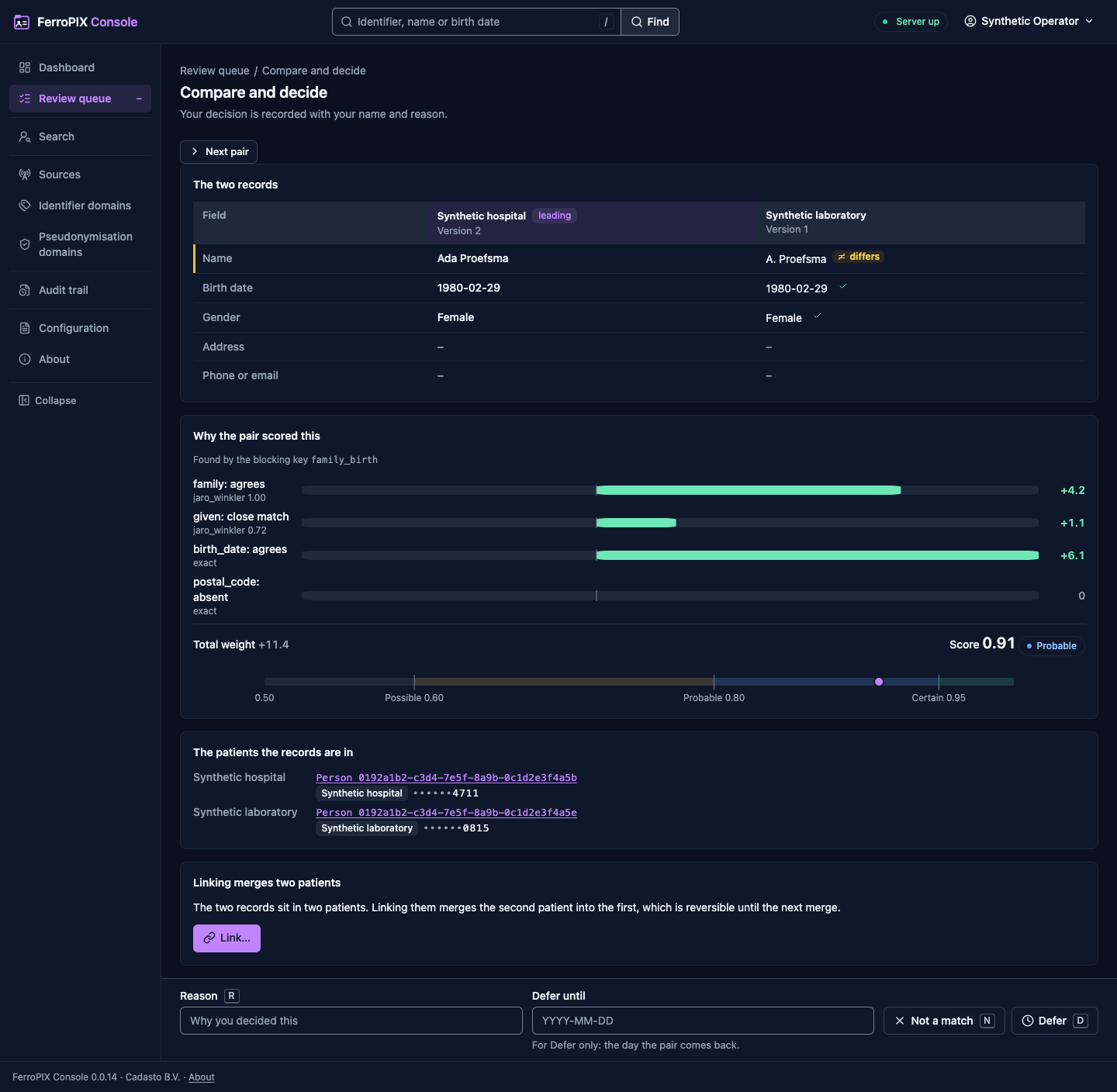
Compare and decide, /queue/{candidate} | The two records side by side, the rows that differ first; the score breakdown with each field’s weight, the total and the thresholds on one scale; the blocking key and any hard conflict; each record’s patient with its identifiers, masked. The docked bar decides with your reason: Link, Not a match or Defer with the date the pair comes back, and Previous and Next lead to the neighbouring pairs. A link that merges two patients asks first in a dialog that names the effect. The decision carries the versions the page showed, so a pair someone decided first comes back as stale, with the next pair and a reload as the ways on, and nothing is sent without a reason. |
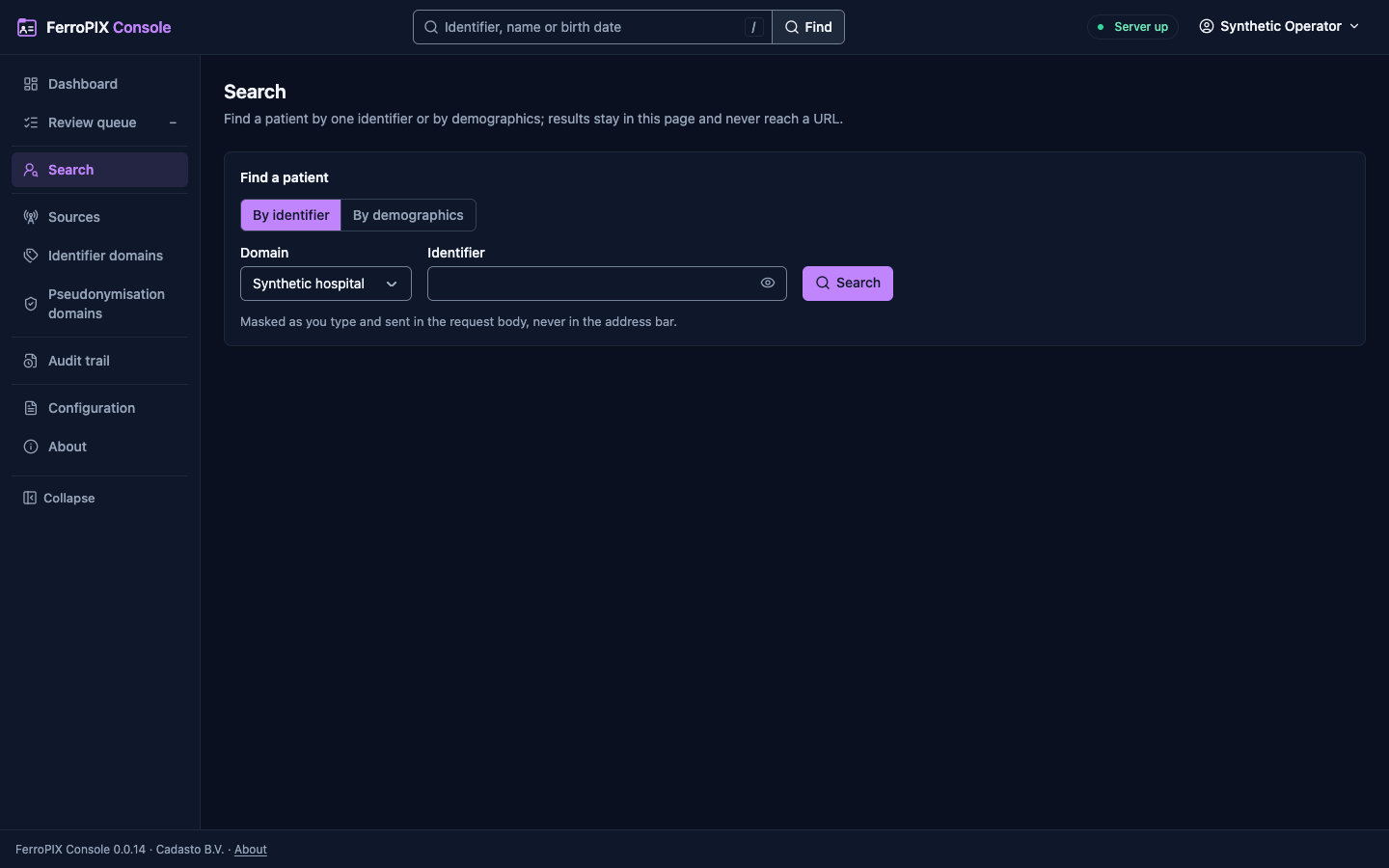
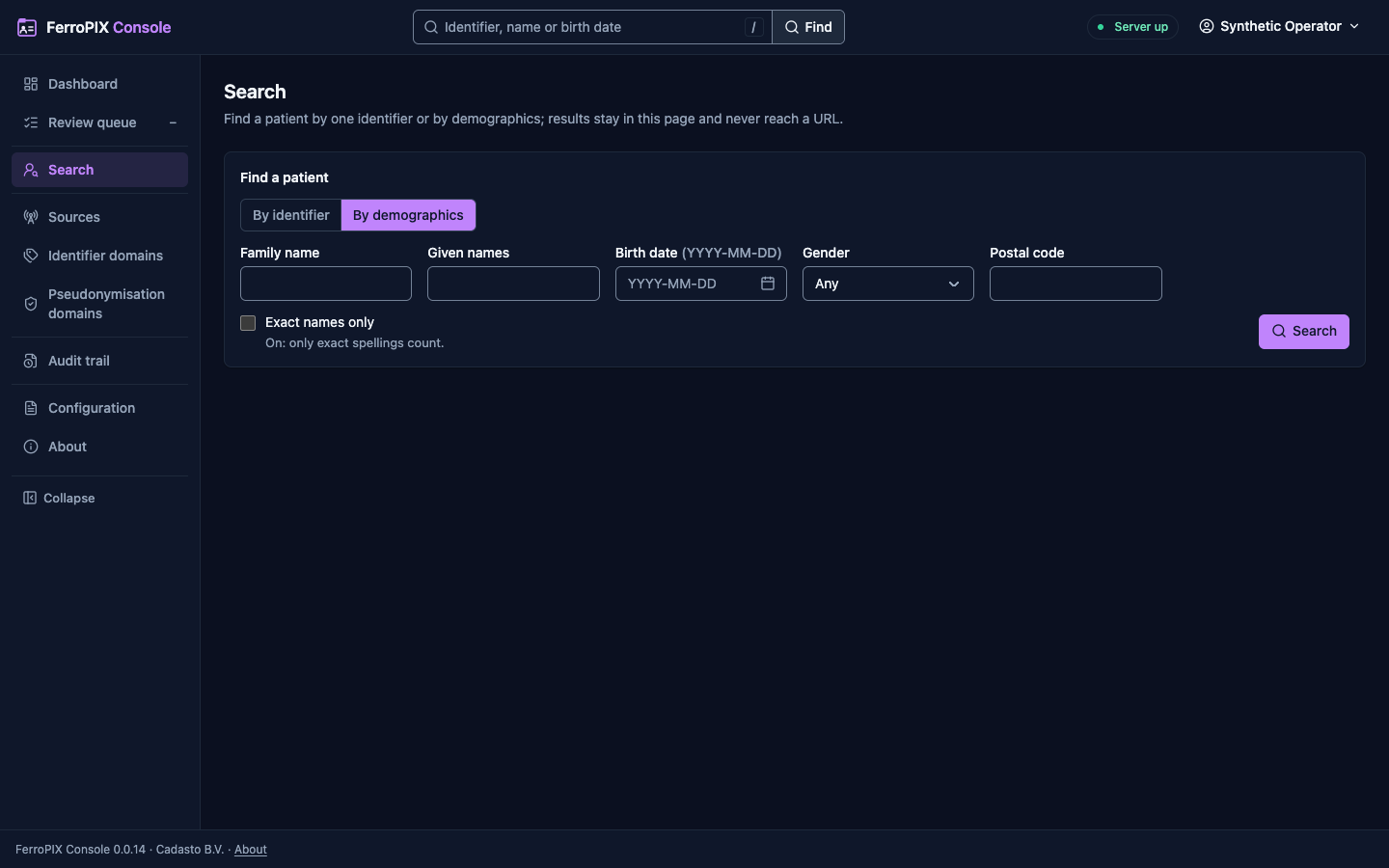
Search, /search | By identifier (the domain chosen from the server’s domains, the value masked as you type) and by demographics, each posted, so nothing you type reaches an address. The results open each patient; a demographics search adds the grade and score. The top bar’s field reads what you typed: a date or a name searches by demographics with the field filled, anything else is an identifier searched in every domain. |
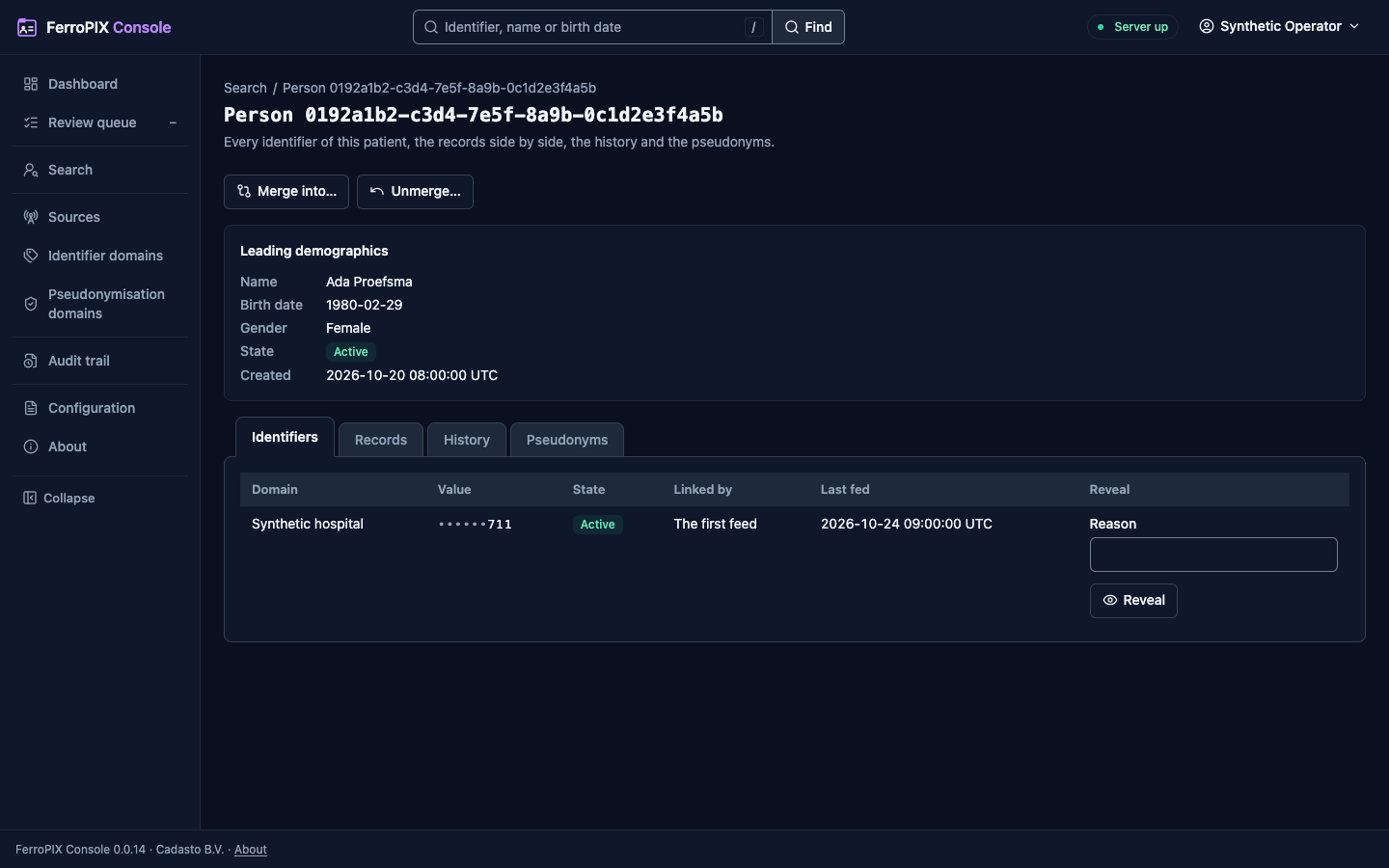
Patient, /patients/{person} | The leading demographics, then four tabs: the identifiers per domain, masked, each with its reveal; the source records side by side, each field marked against the leading demographics; the history on a timeline; the pseudonyms, masked, with a link to Resolve a pseudonym. A reveal asks your reason, is recorded by the server as a privacy disclosure, and shows the value for the seconds Your preferences set. |
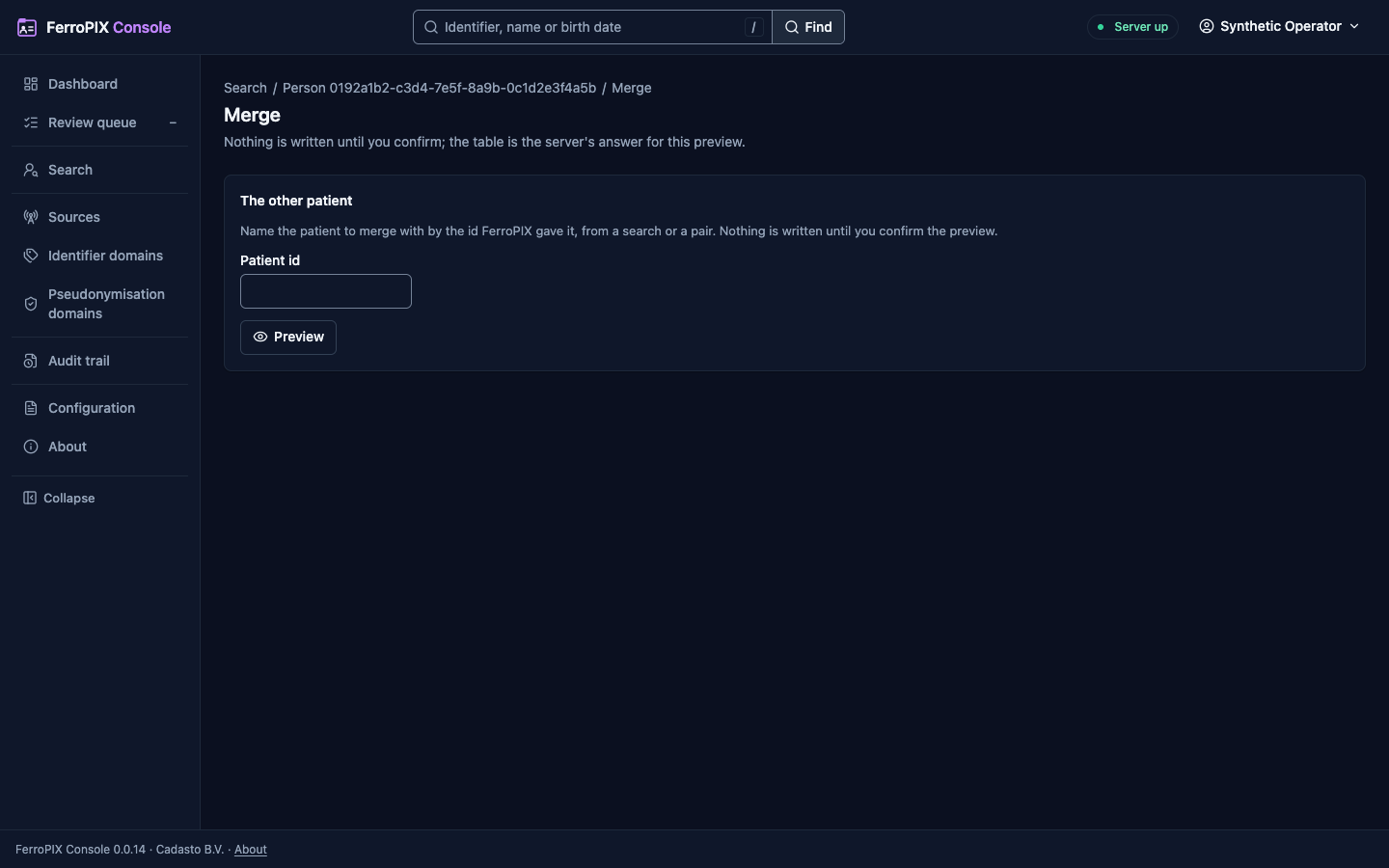
Merge, /patients/{person}/merge | Merge into… on the patient’s page: name the other patient by its id, then the preview shows both patients with the older surviving (one press swaps them), the identifiers that move, the pseudonyms that then resolve to the survivor, the subscriptions told and the candidates closed. Merge… asks in a dialog that names how many identifiers move and takes your reason; nothing is posted before it confirms. A patient that changed after the preview comes back as stale, with the preview read again. |
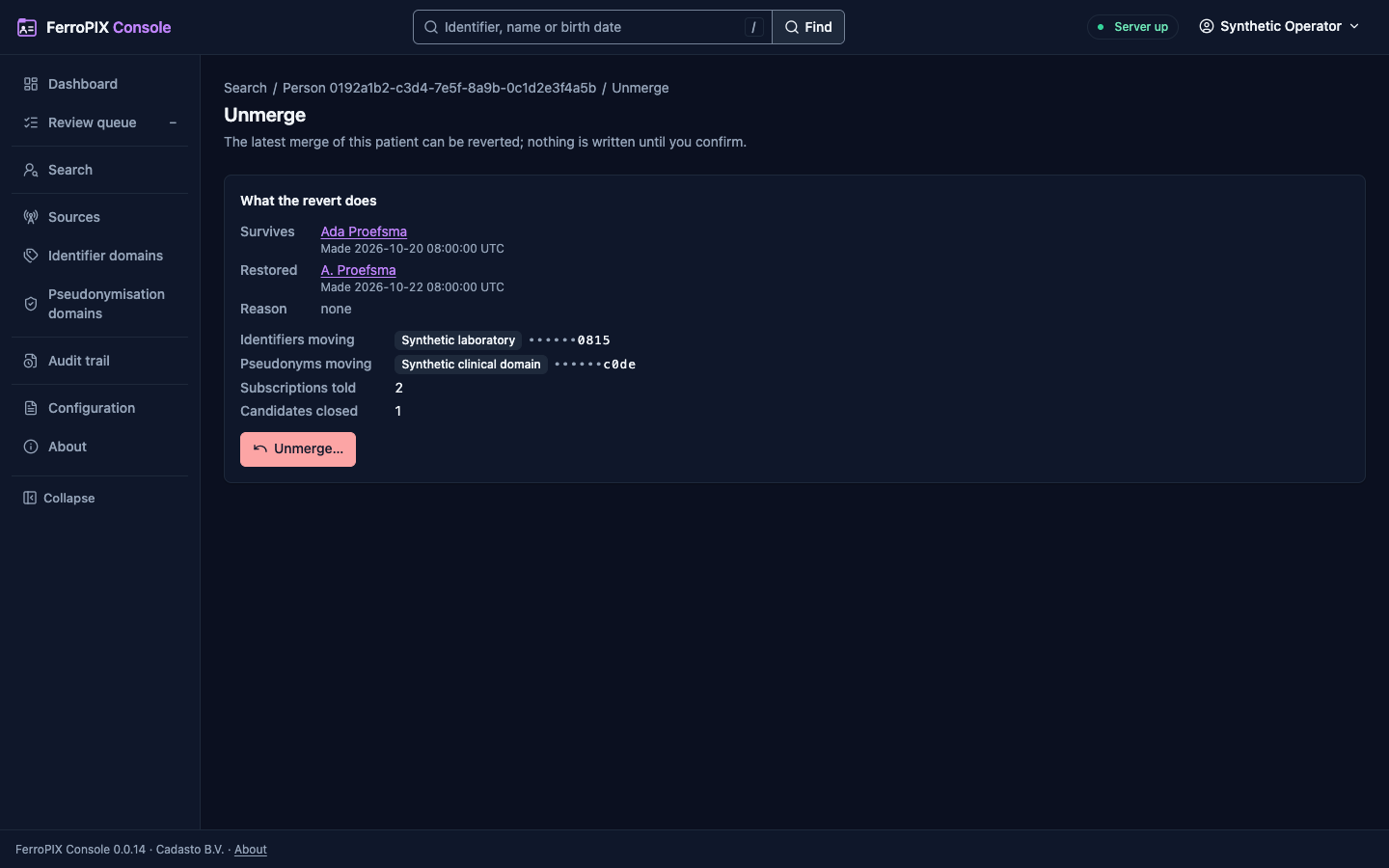
Unmerge, /patients/{person}/unmerge | Unmerge… on the patient’s page, while a merge into it stands: the merge with its reason, what the revert moves back, and Unmerge…, which asks with your reason. When a later merge of the survivor has to be reverted first, the page names it and offers no revert. |
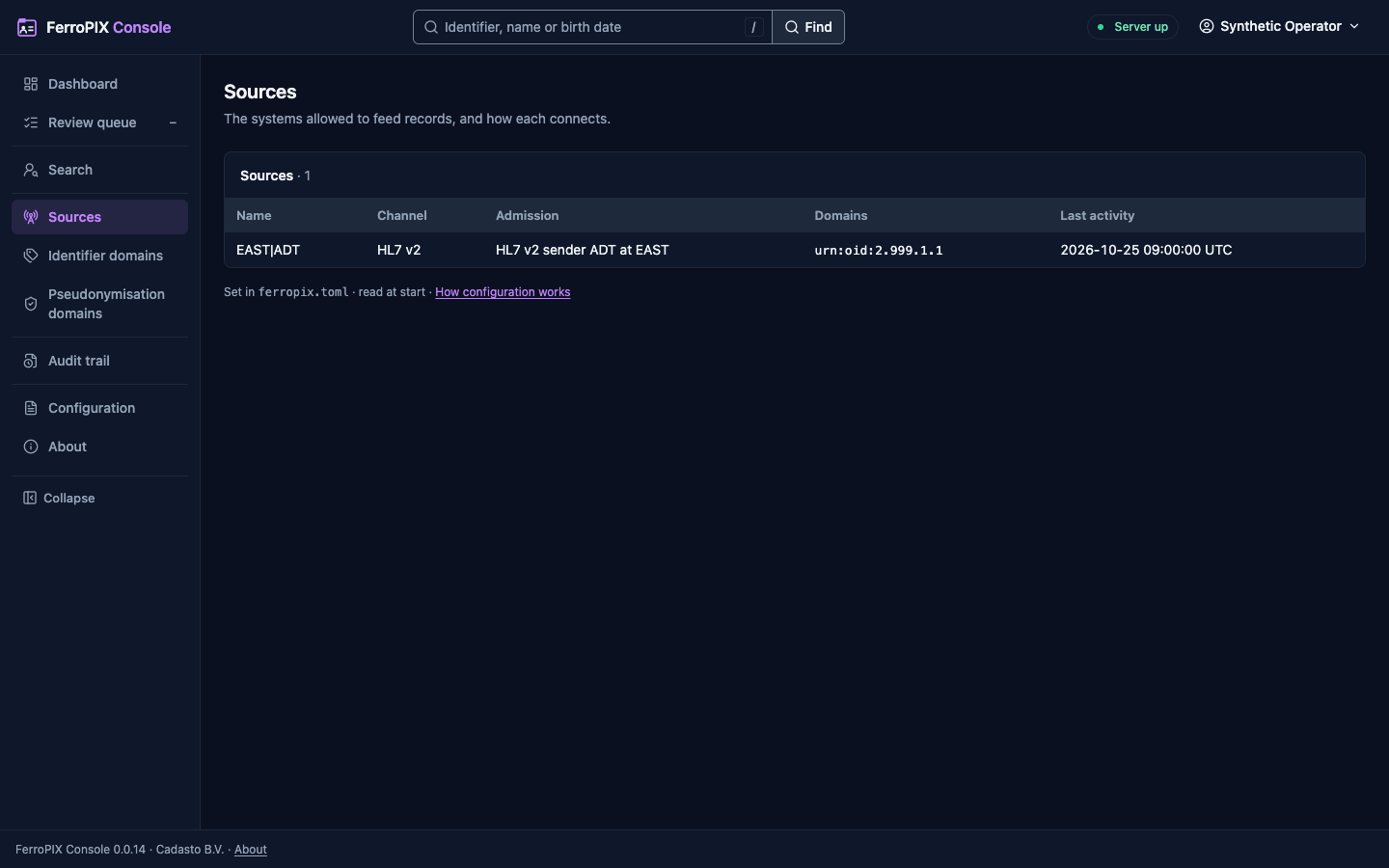
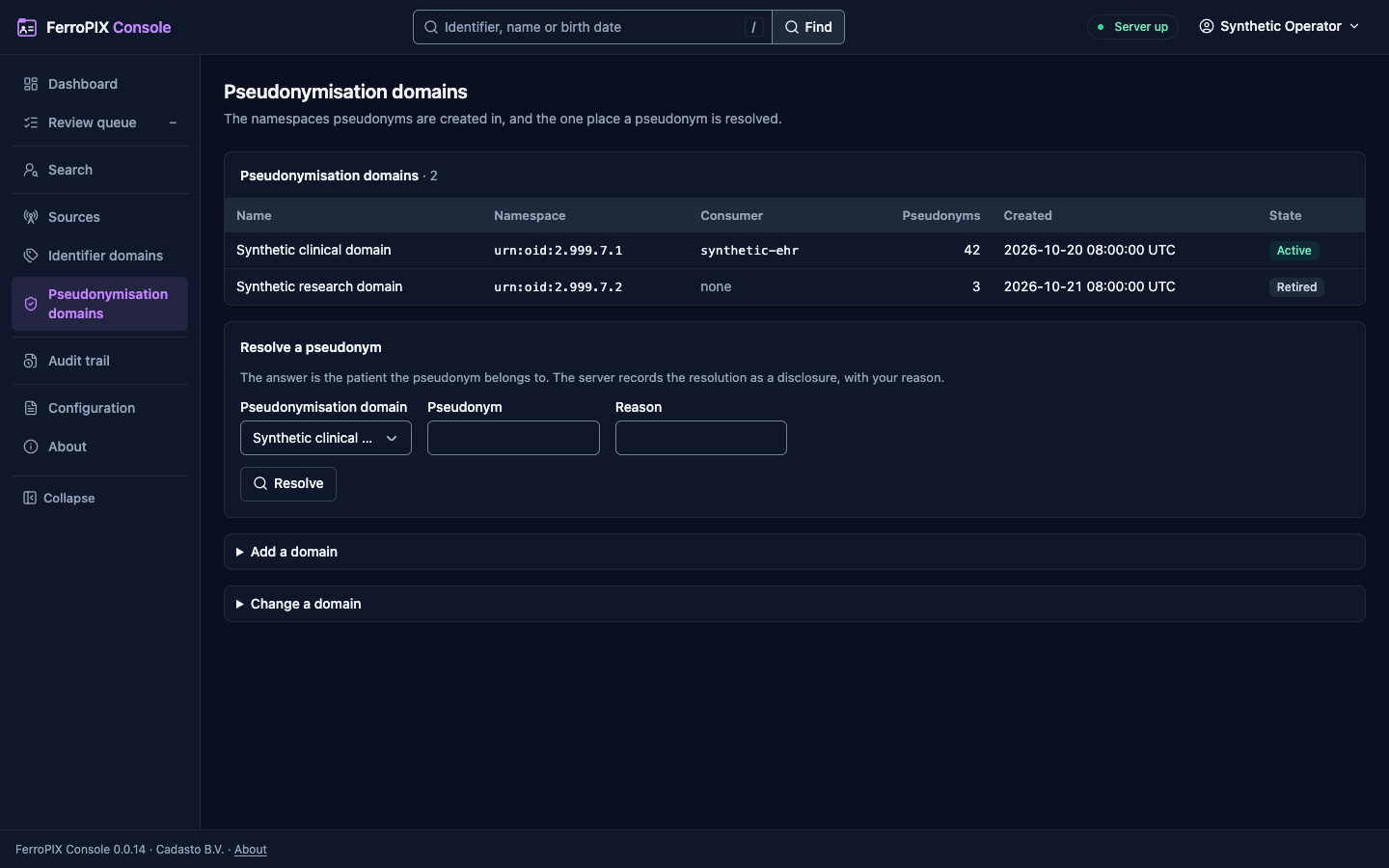
Sources, /sources | Every system allowed to feed, its channel, how it is admitted, the domains that name it and its last activity, and one source’s last messages. Sources are set in the server’s configuration file. |
Identifier domains, /domains | Every domain with its system, kind, Source, record count and last feed, and one domain with its last feeds. An administrator adds a domain, renames one, gives it another Source or retires it, each with a reason; the server’s refusal shows in place. |
Pseudonymisation domains, /pseudonym-domains | Every pseudonymisation domain with its namespace, its consumer, how many pseudonyms it holds and its state, and Resolve a pseudonym: the domain, the pseudonym and your reason, posted, answered with the patient it belongs to and recorded by the server as a disclosure. The pseudonym never reaches an address and the answer never shows it. An administrator adds a domain, renames one, names another consumer or retires it, each with a reason. |
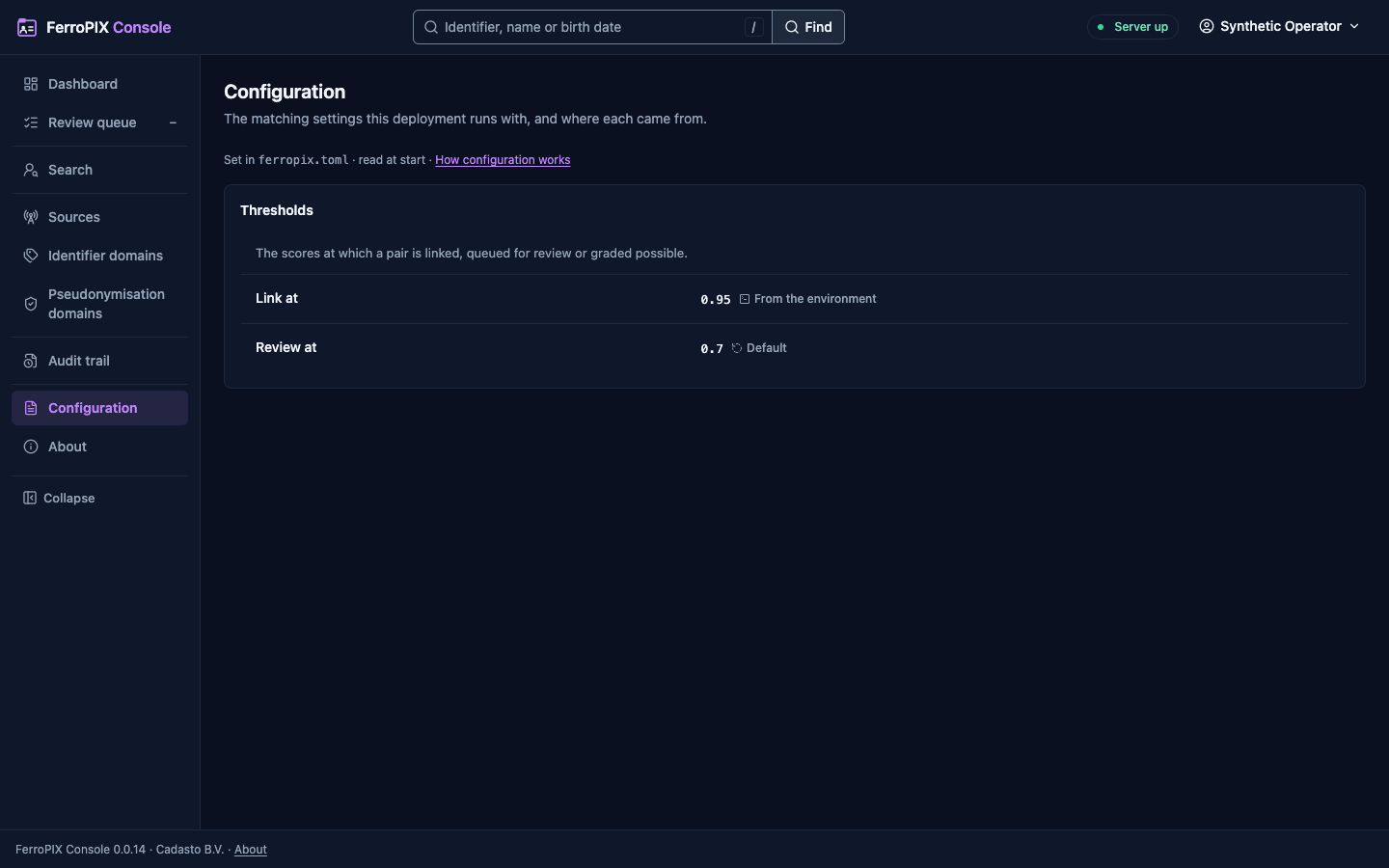
Configuration, /configuration | The matching thresholds, field weights, blocking keys and the built-in deterministic rules, read-only, each value marked when the environment set it or nothing did. |
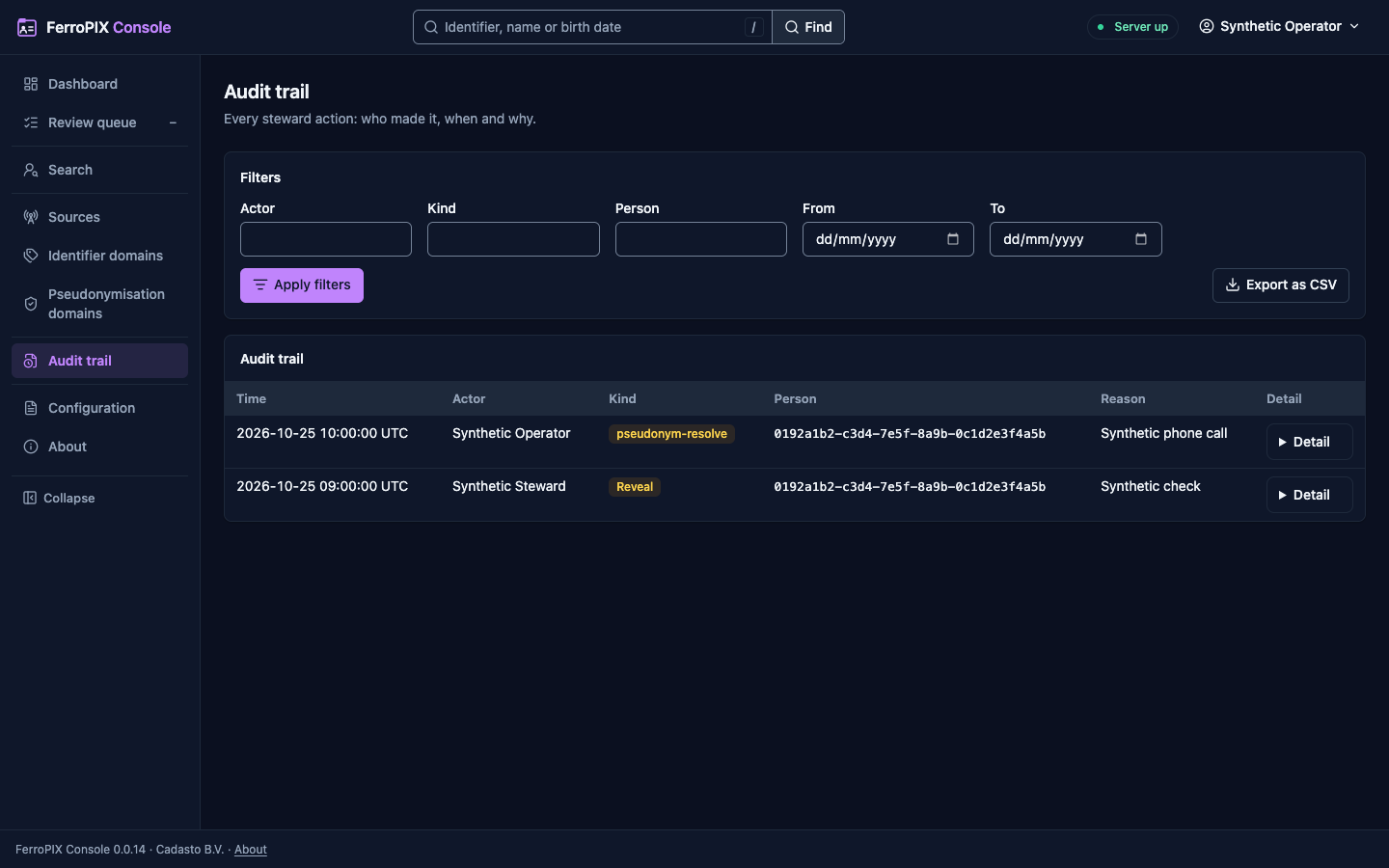
Audit trail, /audit | The steward actions, newest first, under posted filters (actor, kind, person, dates), each row with its reason, its references and its request id, and the export of the filtered rows as CSV, itself an audited action. |
The console ships as its own container image, published by the release lane from the first tagged release (The image).
What each page looks like
Every page below is drawn from synthetic documents, at 1440 pixels wide in the light theme, with a link to the dark one.
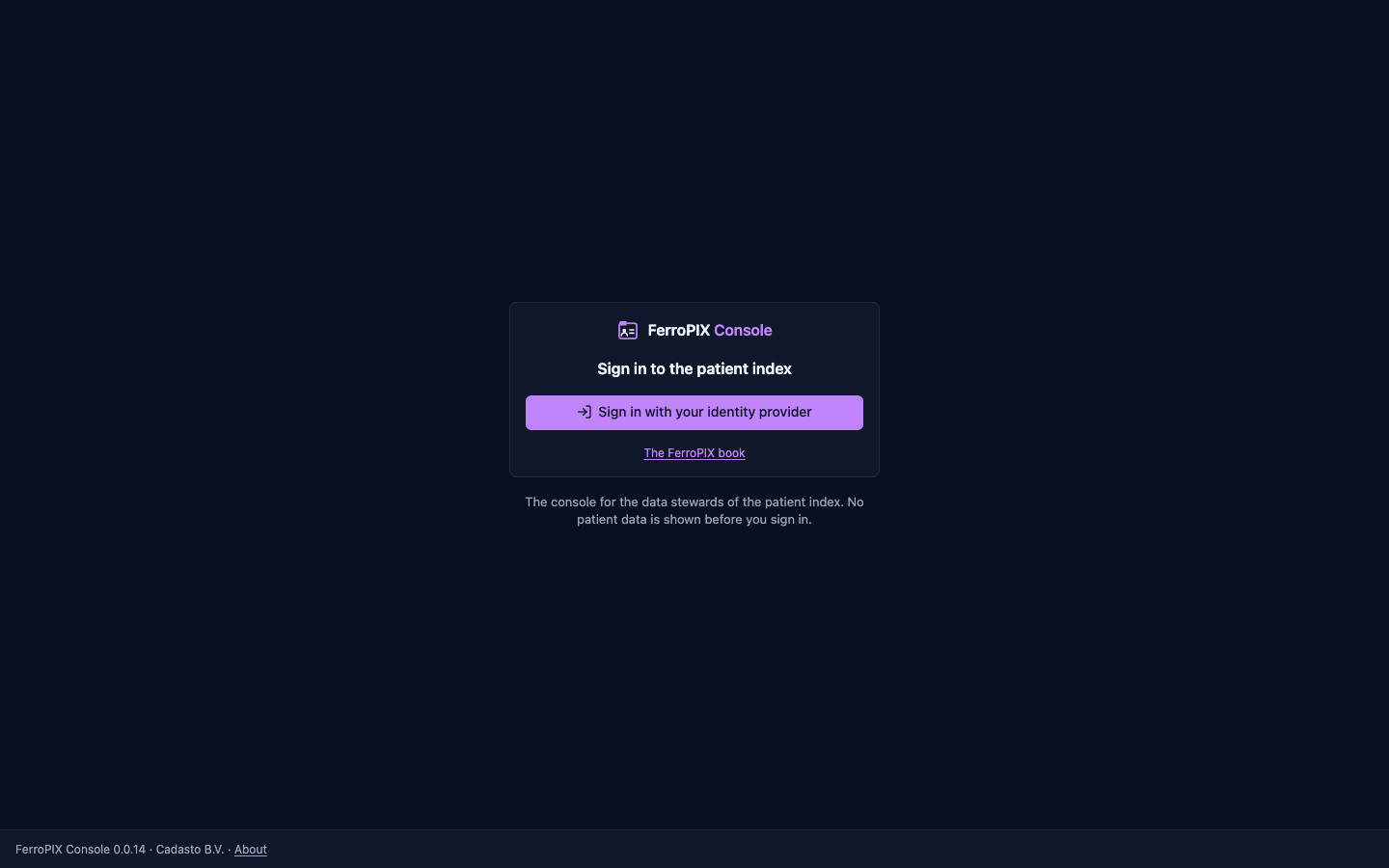
The sign-in page a visitor reads. Dark theme.
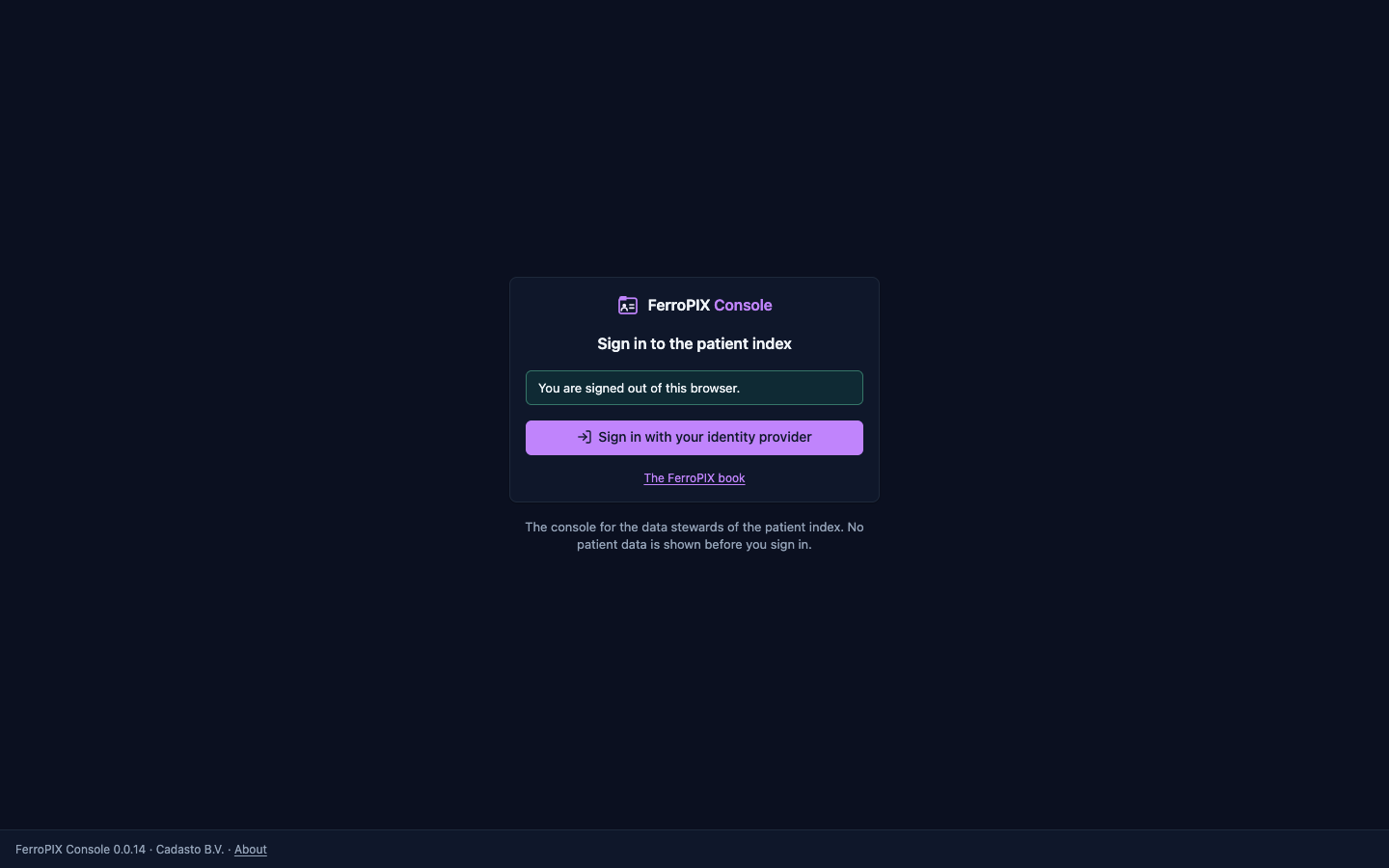
The sign-in page after you signed out. Dark theme.
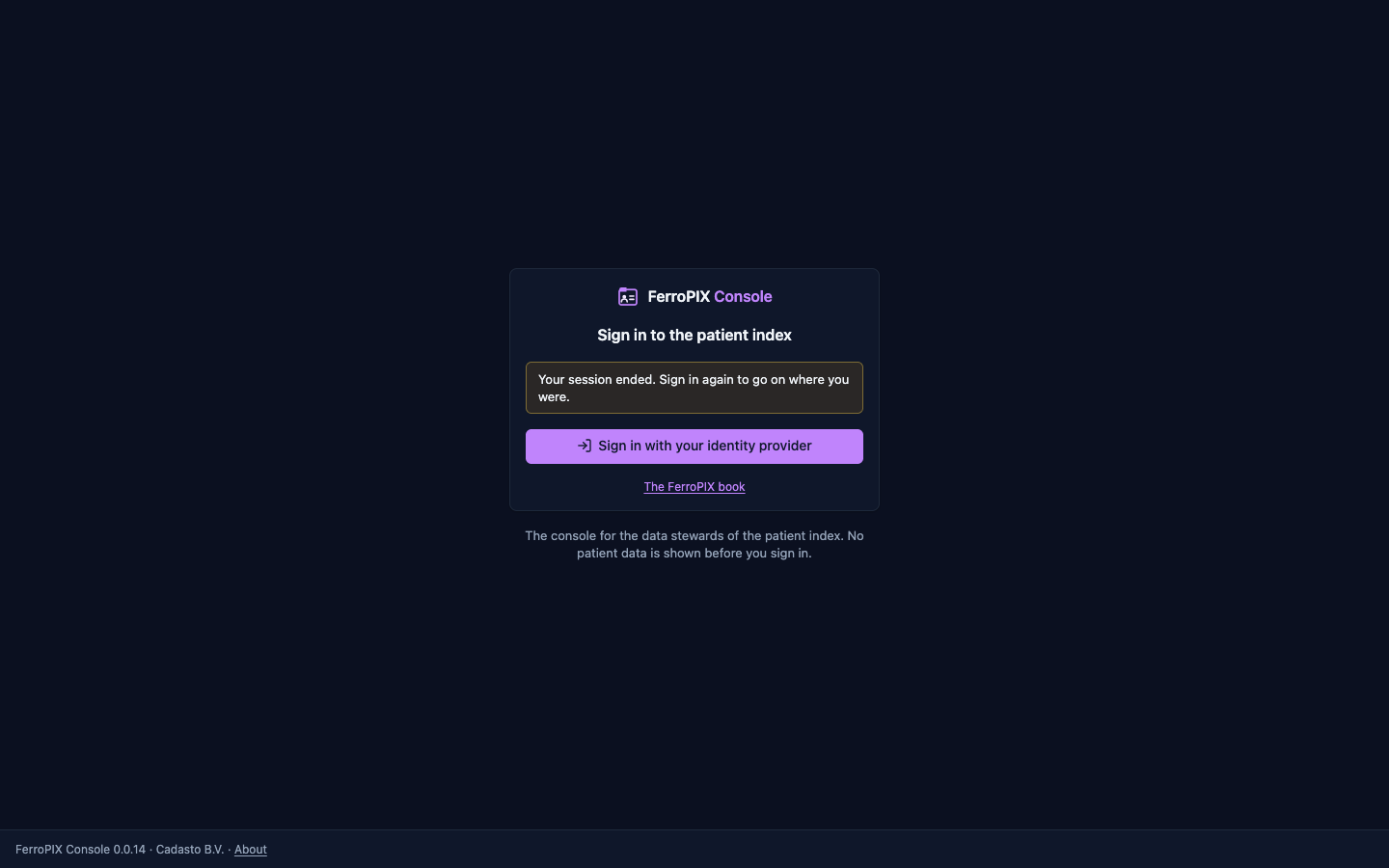
The sign-in page after your session expired. Dark theme.
The dashboard. Dark theme.
The review queue. Dark theme.
A pair to compare and decide. Dark theme.
Search by identifier. Dark theme.
Search by demographics. Dark theme.
A patient’s record on its identifiers tab. Dark theme.
Merge, naming the other patient. Dark theme.
Unmerge, with the preview of the revert. Dark theme.
The sources. Dark theme.
One source with its last messages. Dark theme.
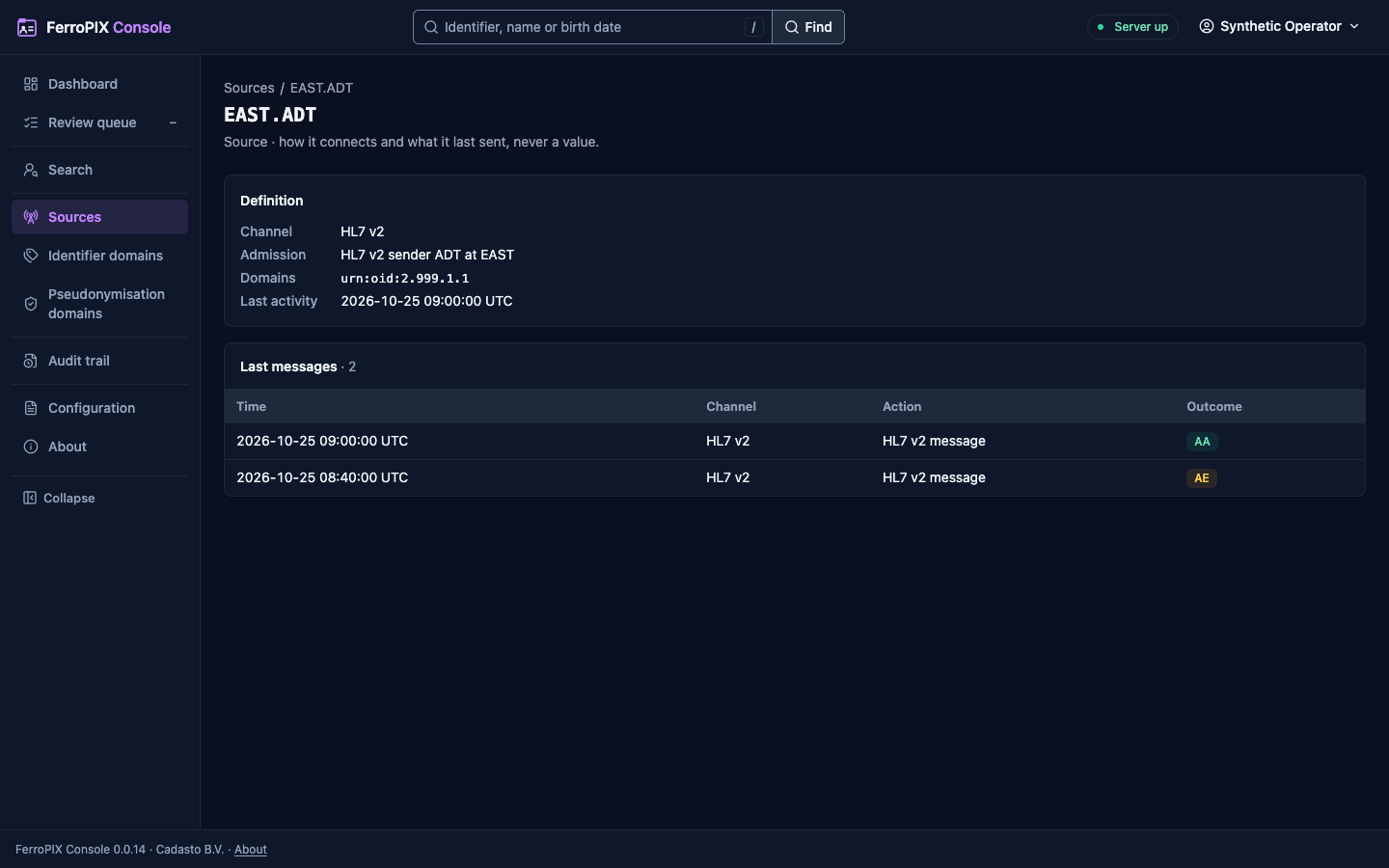
The identifier domains. Dark theme.
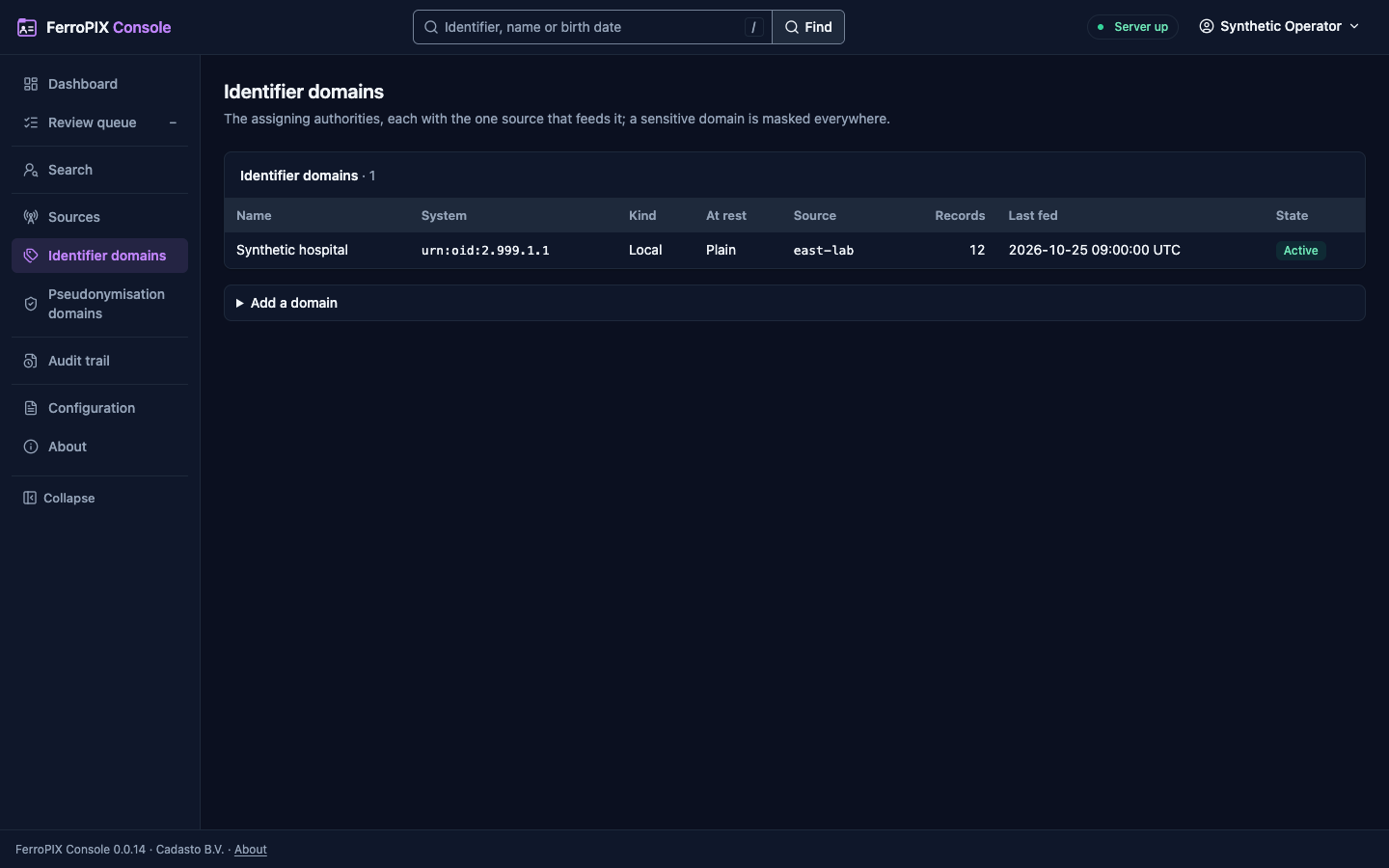
One identifier domain with its last feeds. Dark theme.
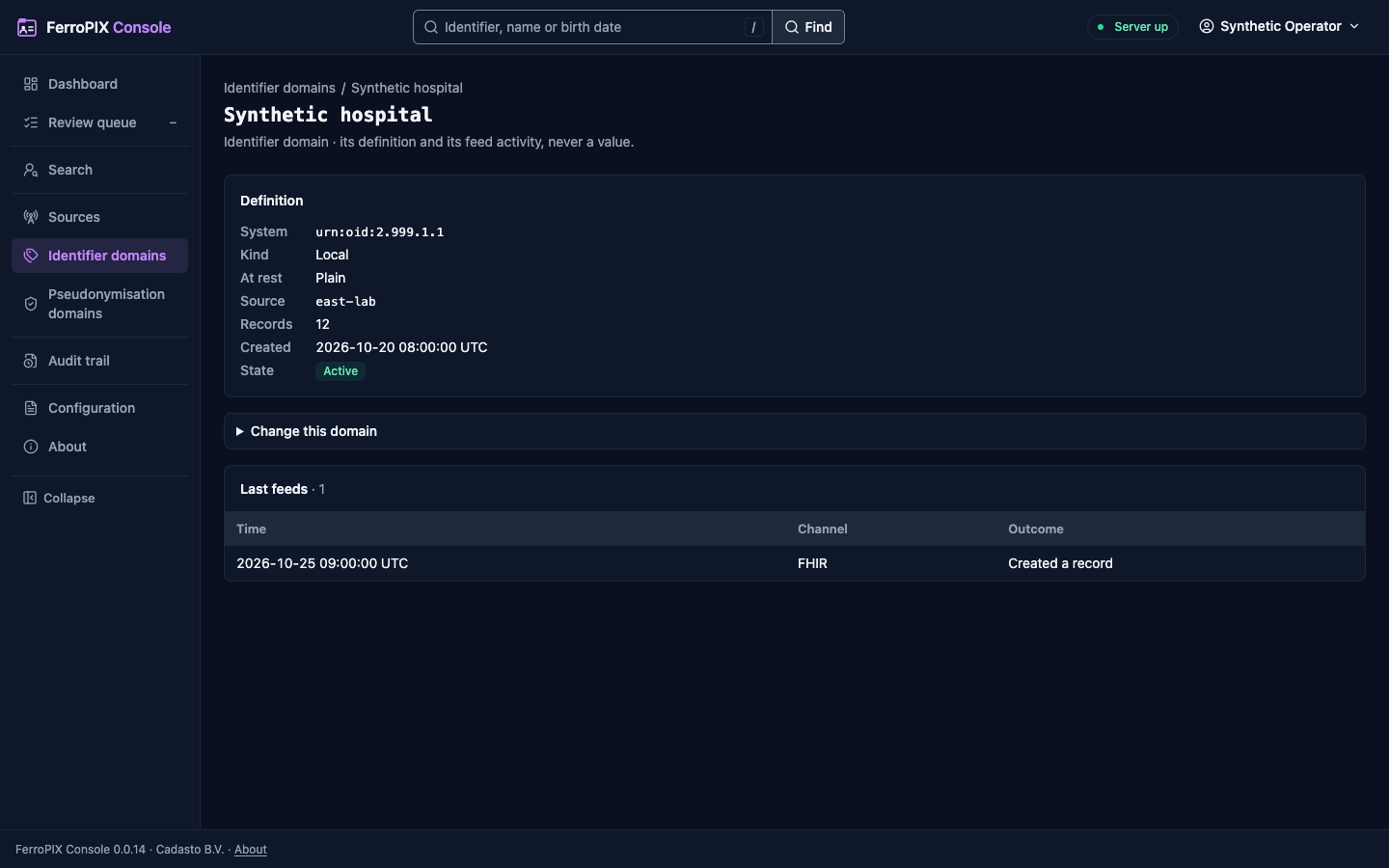
The pseudonymisation domains and Resolve a pseudonym. Dark theme.
The matching configuration. Dark theme.
The audit trail. Dark theme.
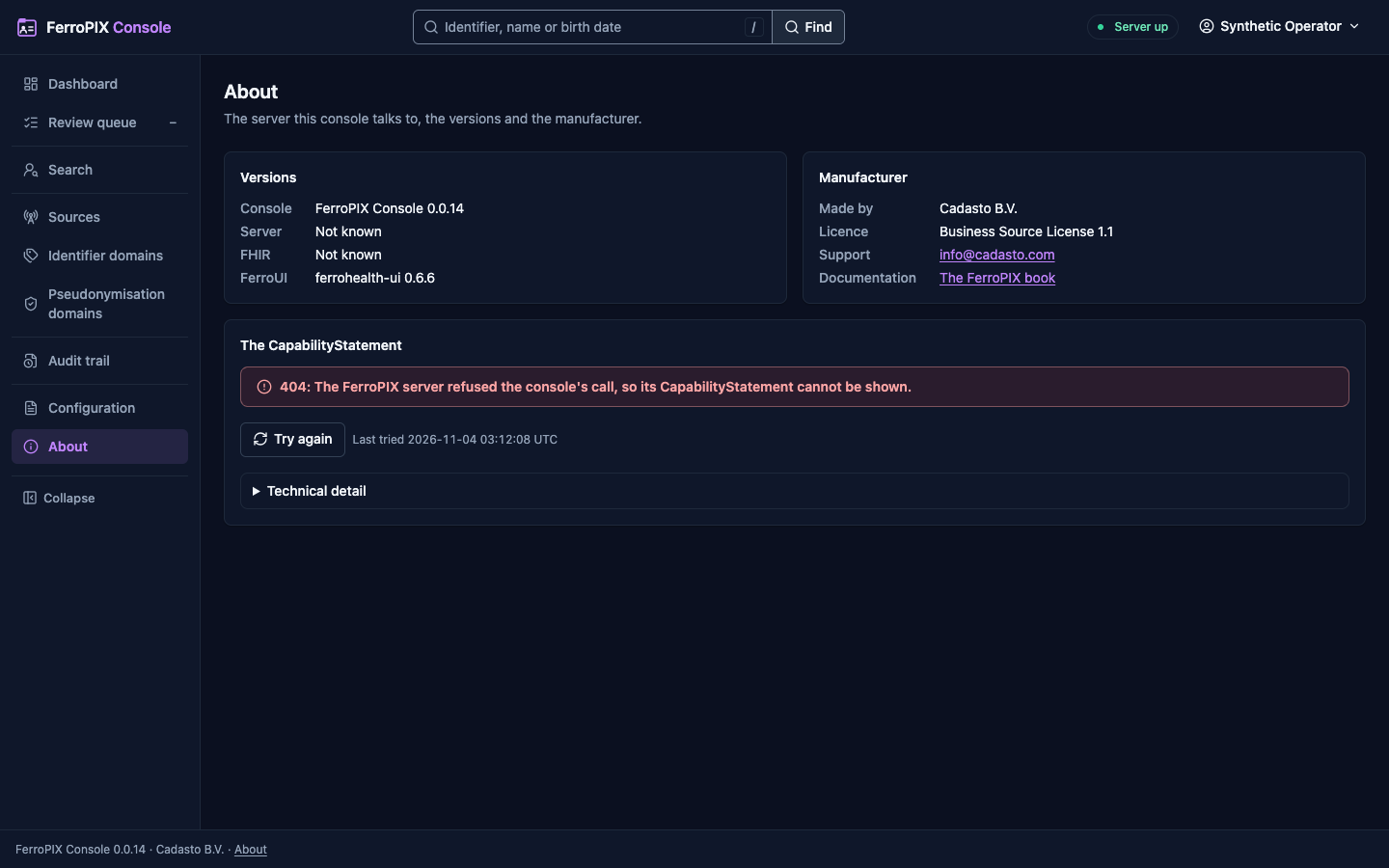
About. Dark theme.
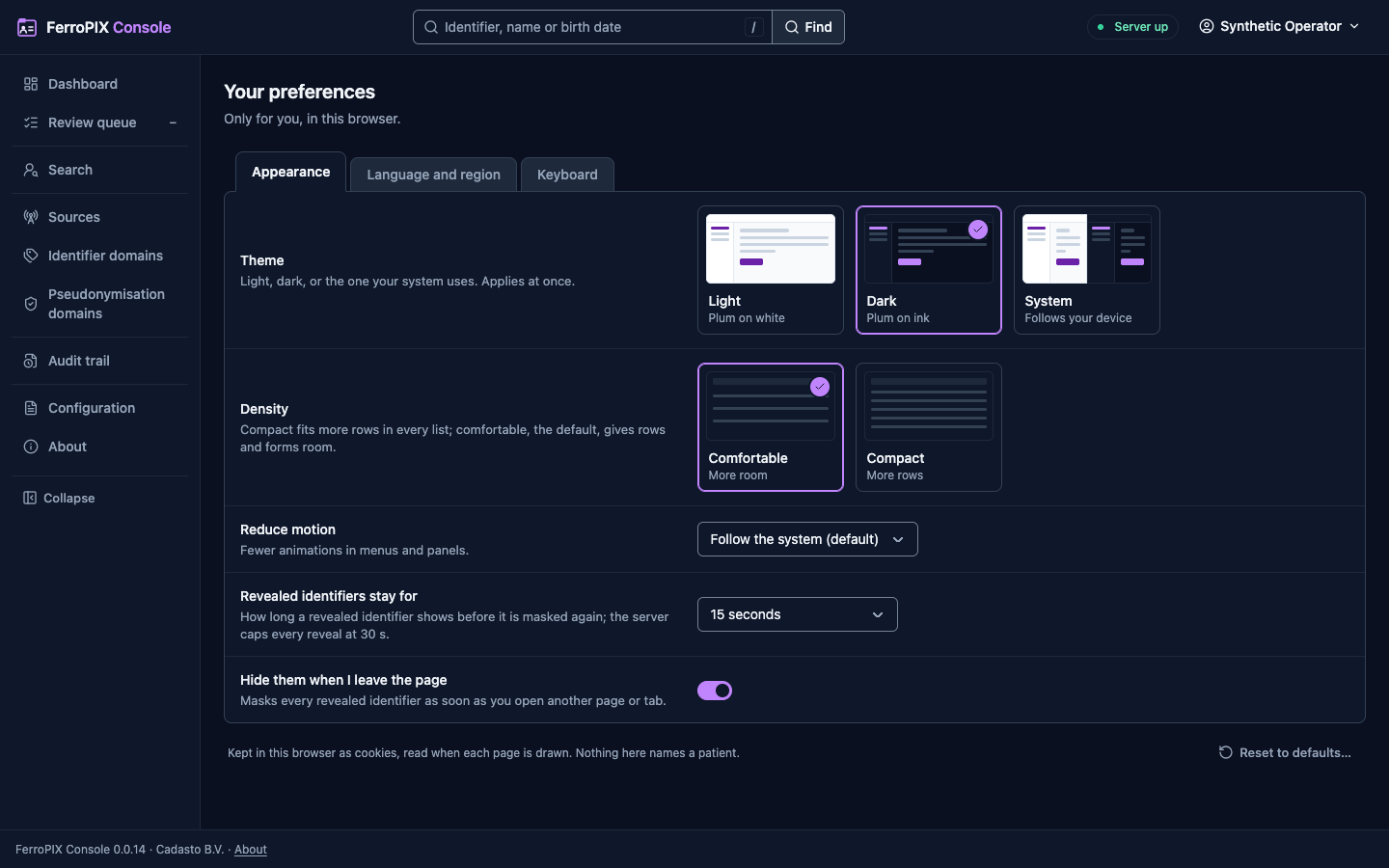
Your preferences. Dark theme.
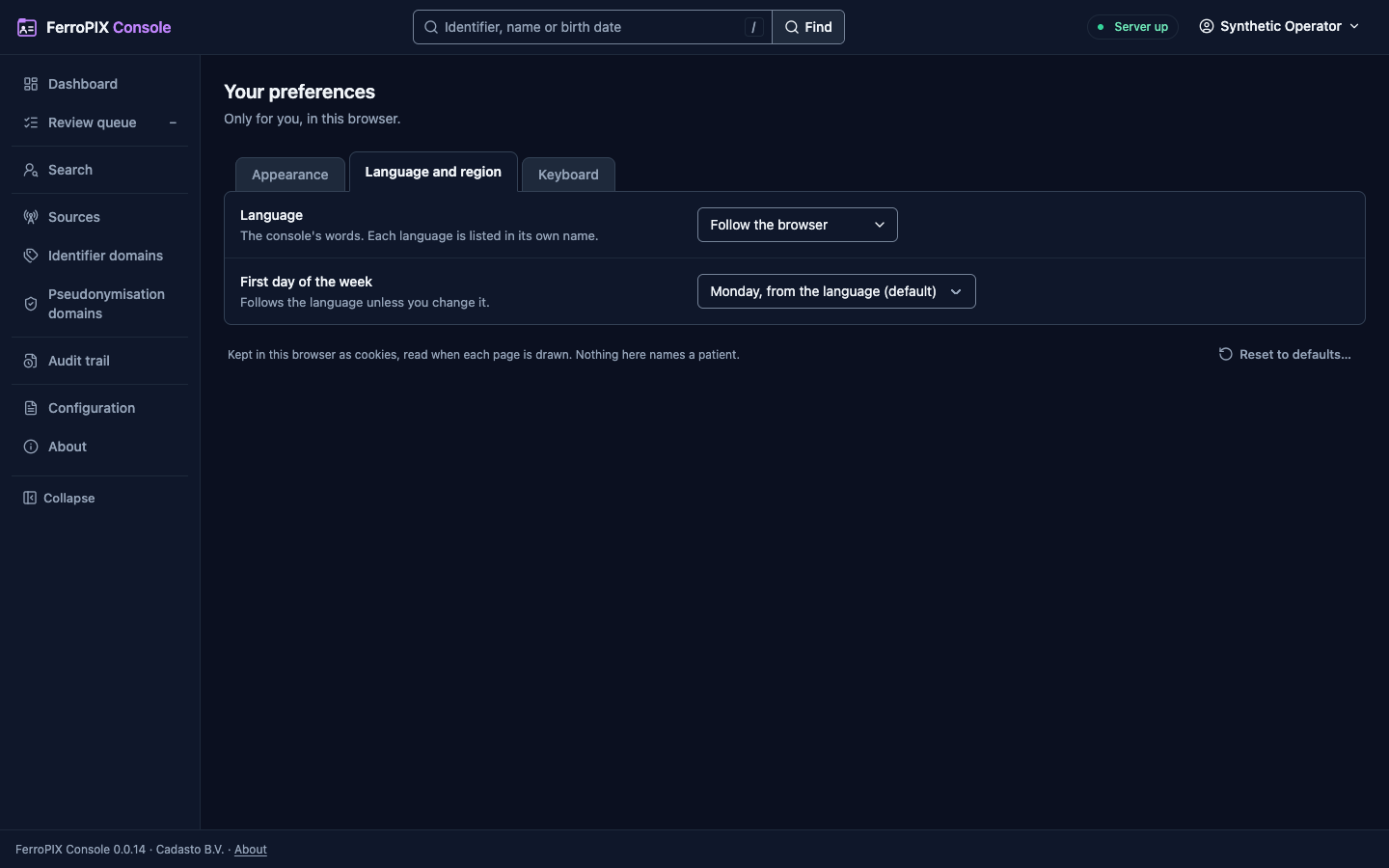
The language preference. Dark theme.
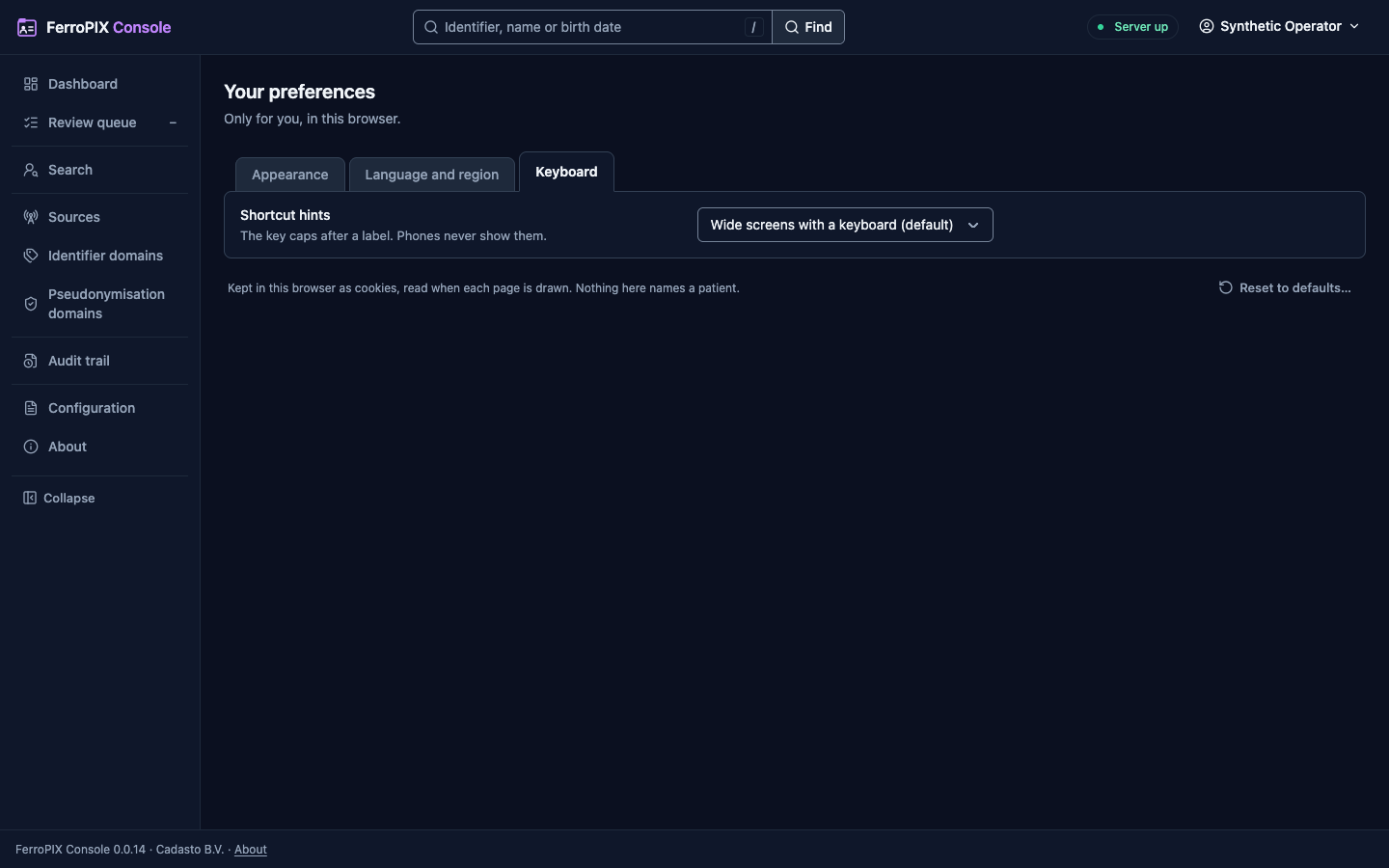
The keyboard preference. Dark theme.
The page an unknown address draws. Dark theme.
Build and run it
The console is one binary: its server draws every page and serves FerroUI’s stylesheet and script modules itself, so it needs no build step beside cargo. Build it and serve:
cargo build --release -p ferropix-console
target/release/ferropix-console serve --config console.toml
| Command | What it does |
|---|---|
ferropix-console serve | Serves the console until the process is asked to stop. |
ferropix-console config check | Reads and resolves the configuration, secrets included, prints every key as key = value # source with every secret shown as ***, and exits. |
ferropix-console healthcheck | Asks GET /health/readiness of the console on this host, for a container runtime, and exits 0 only on 200; a console that is draining exits 1. |
The image
ghcr.io/ferrohealth/ferropix-console, for linux/amd64 and
linux/arm64, carries the static binary on
gcr.io/distroless/static-debian13:nonroot, pinned by digest; nothing is
compiled inside it.
| Property | Value |
|---|---|
| Entrypoint | /usr/local/bin/ferropix-console, default job serve |
| User | 65532:65532 |
| Port | 3000/tcp (FERROPIX_CONSOLE__SERVER__LISTEN=0.0.0.0:3000) |
| Health | HEALTHCHECK runs ferropix-console healthcheck, which asks GET /health/readiness over loopback |
The console keeps its sessions in memory and writes no file, so run it with
a read-only root filesystem. Its tags follow the server’s: <version>, and
<major>.<minor> and latest for a release that is not a pre-release,
applied only after the image passed the release’s vulnerability gate.
Verify an image against the workflow that built it:
gh attestation verify oci://ghcr.io/ferrohealth/ferropix-console:<version> \
  --repo FerroHEALTH/FerroPIX \
  --signer-workflow FerroHEALTH/FerroPIX/.github/workflows/release-console.yml
The compose quickstart runs it beside the server under the console
profile, signed in through the development issuer
(Deployment):
openssl rand -hex 16 > secrets/console-oidc-client-secret
docker compose --profile console up --wait
Configuration
The console reads its configuration through ferrohealth-config, the
FerroHEALTH configuration loader. The file is a TOML file named by
--config or FERROPIX_CONSOLE_CONFIG. Every key can be set from the
environment as FERROPIX_CONSOLE__<SECTION>__<KEY>, so
FERROPIX_CONSOLE__PIX__BASE_URL sets [pix] base_url, and with
--set key=value on the command line, which wins over both. A secret can be
read from a file with the _file form of its key, the shape a container
runtime mounts a secret in; the file’s trailing line ending is removed. An
unknown key, in the file, a variable or a --set argument, is refused, and a
refusal names the key, never its value. A server variable such as
FERROPIX__SERVER__LISTEN is left alone.
[server]
listen = "0.0.0.0:3000"
locale = "en"

[pix]
base_url = "https://pix.example.org/"
timeout_ms = 30000

[oidc]
issuer = "https://idp.example.org/realms/ferropix"
client_id = "ferropix-console"
client_secret_file = "/run/secrets/console-client-secret"
redirect_uri = "https://console.example.org/auth/callback"
| Section | What it sets |
|---|---|
[server] | Where the console listens and the language a page falls back to. |
[pix] | The FerroPIX server’s base URL, how long one call to it may take, and admin_scope, the scope the server’s [operator] admin_scope names (default __ferropix.admin). |
[session] | Where the sessions are kept (store), whether the cookies are Secure, and the sign-in and session timeouts and bounds. secure_cookie = false is refused unless the console is plain HTTP on loopback: its oidc.redirect_uri, or its server.listen address when it signs in nowhere. |
[oidc] | The OpenID Provider stewards sign in at. Without it the console offers no sign-in. |
[oidc] and [session] are the sections of ferrohealth-session, the
FerroHEALTH console sign-in crate. With issuer alone the console discovers
the provider’s endpoints when it starts (RFC 8414, OpenID Connect Discovery
1.0); authorization_endpoint, token_endpoint, jwks_uri,
end_session_endpoint and revocation_endpoint each take the place of the
discovered one. config check calls no provider: a section that names the
authorization, token and key-set endpoints is checked whole, and one that
leaves them to discovery is read when the console starts. ca_file adds PEM
trust roots for a provider behind a private certificate authority,
resolve reaches a provider host at a fixed address (each entry
host=ip:port) for a provider whose name resolves only inside a private
network, [oidc.tls] sets the client certificate the console presents to
the provider (client_certificate with client_key or client_key_file,
RFC 8705 §2) and min_version, the lowest TLS version of that connection
("1.2", the default, or "1.3"), and timeout_s (default 10) bounds one
call to it.
[session] store is memory (the default), which keeps the sessions in the
console’s process with an opaque id in the cookie, or sealed, which keeps
the whole session in one AES-256-GCM sealed cookie for a console that runs
as several instances. A sealed store needs key or key_file (base64 of at
least 64 bytes, the same on every instance), keeps no refresh token, and
refuses oidc.offline_access. absolute_timeout_s may not be shorter than
idle_timeout_s.
| [telemetry] | The console log: format and filter, the section the server reads ([telemetry]). RUST_LOG sets telemetry.filter. |
Sign-in and the session
Stewards sign in at an OpenID Provider with the authorization code grant and
PKCE, through ferrohealth-session and the OpenID Connect client of
ferrohealth-smart, the FerroHEALTH authorization crate. The console checks the ID Token against the provider’s keys, its
issuer, its audience and the sign-in’s nonce before a session begins. The
session lives on the console’s server; the browser holds one opaque
HttpOnly, SameSite=Lax cookie and never a token. The console calls the
FerroPIX server with the steward’s own access token, so the server records
the steward as the actor of every call, and renews it before it expires.
The console draws an administrator’s forms, such as adding or changing an
identifier domain, only when the provider granted the token [pix] admin_scope: the scopes the token answer names, or the scopes the console
asked for when the answer names none (RFC 6749 §5.1). Ask for the scope in
[oidc] scopes. The server checks the scope again on every write.
Sign out ends the session, revokes its token when the provider has a
revocation endpoint (RFC 7009), and, when the provider publishes one, signs
the steward out there too. When the provider cannot renew an access token
in time, the session lives on and the next page you open goes to the
sign-in page that says your access could not be renewed; signing in again,
or opening the page again a moment later, brings you back to it.
A session ends after [session] idle_timeout_s without a request from you,
and after absolute_timeout_s whatever you do. Two minutes before the idle
timeout, every signed-in page shows a warning with the time left,
Stay signed in and Sign out. Your own typing and clicks keep the session
alive, at most once a minute; the page’s own checks never do. When the
session ends, or you sign out in another tab, every open tab of the console
loads the sign-in page that says your session ended, and signing in again
brings you back to the page you were on. Without the page’s scripts there
is no warning: the next page you open goes to the sign-in page.
What the console never does
- It puts no identifier other than the person id FerroPIX minted in an address: a search posts what was typed, and the identifier field is masked as it is typed. The eye inside the field shows the identifier only while you hold it (pointer, touch, Space or Enter); without the page’s scripts the eye is disabled and the field stays masked.
- It keeps nothing in browser storage, and every page is
Cache-Control: no-store. - It runs no script but FerroUI’s modules from its own address: every response carries a Content-Security-Policy that admits scripts and stylesheets from the console’s own origin alone, with no inline script or style.
Your preferences
The theme, the density, reduced motion, the language, the first day of the week, the shortcut hints, how long a revealed identifier stays and whether leaving a page hides it are each a cookie of their own, set in Your preferences behind your name and read when each page is drawn. They are only for you, in this browser, and name no patient.
A language cookie naming qps draws the console in its pseudo-locale:
every word accented and two fifths longer, in brackets. It ships no
catalog, and Your preferences never offers it; it is how the console’s
browser journeys find a word that skipped the catalog and a layout with no
room for a longer translation.